Communication first
“No”, “Help” and “Pause” stay accessible. There are no streaks, points or automatic phrase history.
Augmentative and alternative communication · iPhone + iPad
Build messages with symbols, photos, text and a voice that is always ready. Pictog supports everyday communication without accounts, scores or turning every interaction into a test.
Native app for iPhone and iPad · compatible with iOS/iPadOS 15 and later
The idea behind Pictog
Pictog lets a person ask, refuse, choose, share how they feel or say “pause” in as few steps as possible. The board stays available: communication does not depend on finishing an activity.
“No”, “Help” and “Pause” stay accessible. There are no streaks, points or automatic phrase history.
The companion guide suggests modelling, waiting and respecting refusal, without demanding imitation or eye contact.
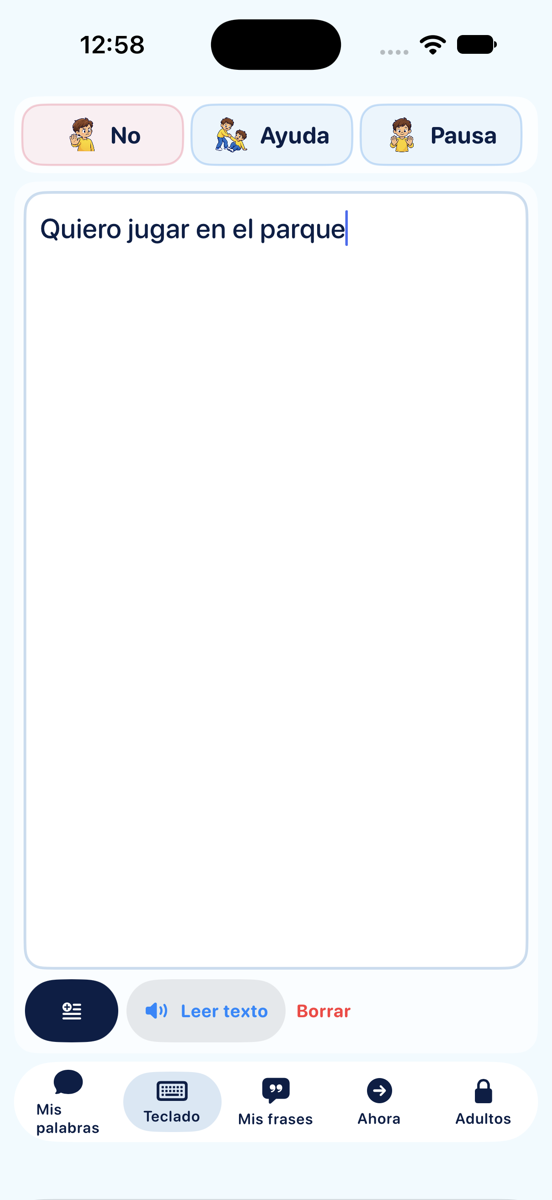
Use symbols, personal photos, the native keyboard, full-screen messages or saved phrases as needed.
Pictog in use
Each screen removes unnecessary decisions and keeps communication close: choose a word, type freely or preview what comes next.
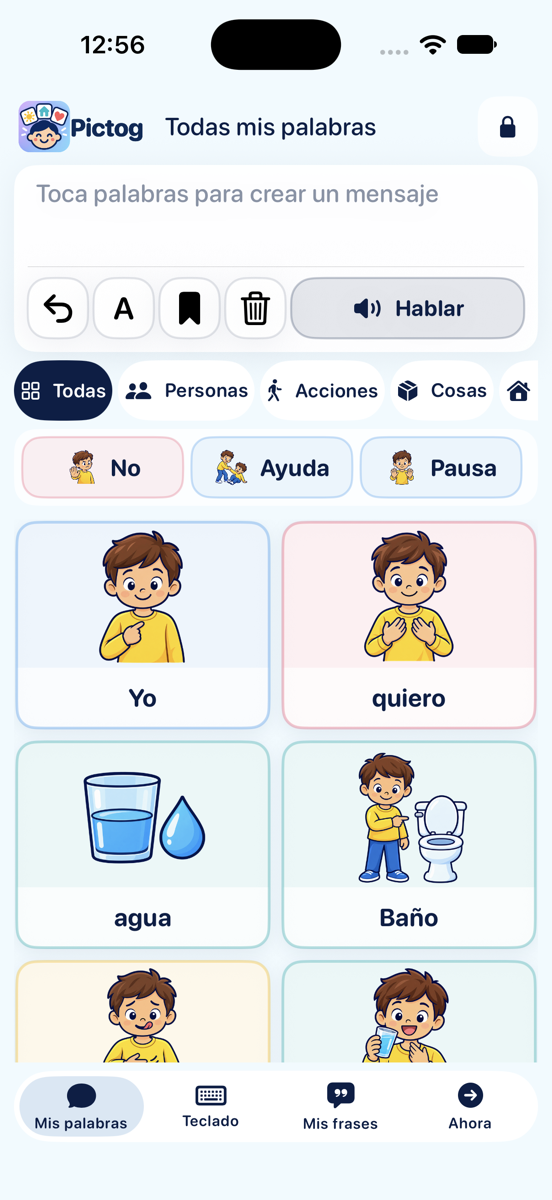
Large symbols, stable categories and essential words that are always available.
Write a message, review it and play it with the voice configured for each profile.
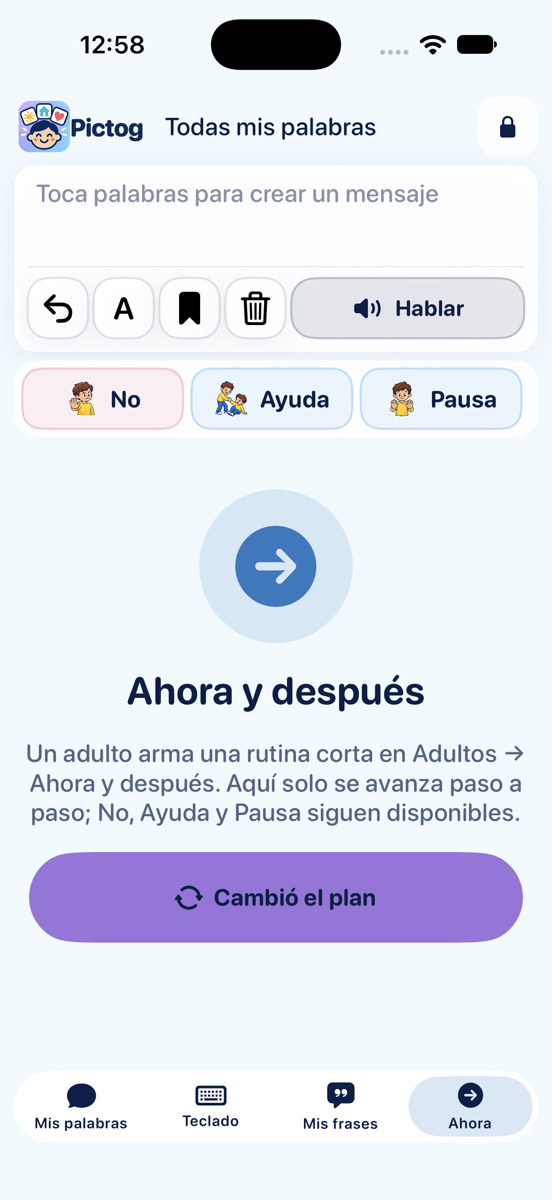
Organize now and next without taking away access to the communicator when plans change.
Inside the board
From the first word to daily routines, Pictog keeps the tools together and preserves each profile’s choices.
Choose 6, 12 or 24-cell grids with stable categories and positions. Essential words stay in an order designed for quick communication.
Favorites · search · custom orderSee the message as you build it and tap “Speak” to play it with the system voice. Adjust language, voice, speed and read-on-selection.
Local voices · voice test · highlightingFrom “Adults”, take a photo or choose one from your library, crop it, label it and define exactly what will be spoken.
Works offline · local storageCreate multiple profiles on the device. Each keeps its language, grid, voice, favorites and order without signing in.
Profile picker · protected changesSave a phrase only when you choose, speak it again when needed or switch to the native keyboard to write freely.
Literal preview · full screenPrepare visual routines with existing words or photos. If plans change, “The plan changed” helps without closing the communicator.
Steps editable by an adultLocal quick suggestions remain available. On compatible devices, Apple Intelligence may suggest phrases, photos or routines to review before use.
Off by default · never reorder the boardSpeak a saved phrase, repeat the last message, open Favorites or switch profiles with Pictog actions for Siri.
Availability depends on system versionSave profiles, words, phrases, routines, messages and photos in a copy you choose where to keep and share.
Validation before restoringOne board, six languages
Language is set per profile and also guides labels, spoken text and available voices.
For companions
The companion guide includes examples for meals, play, transitions and reading; dismissible suggestions; and a printable sheet for when the battery runs out or the device is unavailable.
Model without pressure. Wait and observe. Respect refusal and pause.
Start exploring
Learn the first steps, browse the FAQ or write directly if you need help with the app.
Go to support center →